
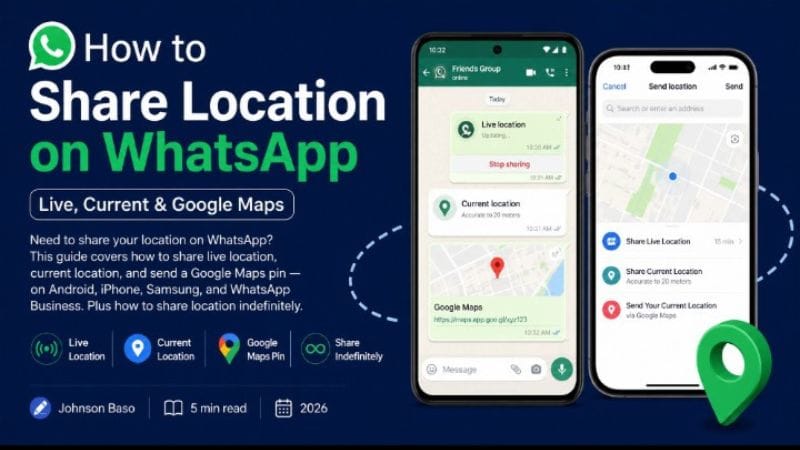
How to Share Location on WhatsApp (Live, Current & Google Maps)
Need to share your location on WhatsApp? This guide covers how to share live location, current location, and send a Google Maps pin — on Android, iPhone, Samsung, and WhatsApp Business. Plus how to share location indefinitely.
✅ Quick Answer: How to Share Location on WhatsApp
Open any chat → Tap the 📎 attachment icon (Android) or + (iPhone) → Select Location → Choose "Share live location" (continuous) or "Send your current location" (one‑time). Your location will be shared instantly.
How to Share Your Current Location (One‑Time)
- Open the WhatsApp chat with the person or group.
- Tap the 📎 paperclip (Android) or + (iPhone).
- Select Location.
- Tap "Send your current location."
- A map pin with your exact spot is sent instantly.
How to Share Live Location (Continuous Tracking)
Live location updates in real time so the other person can see you moving. Perfect for meetups or letting family know you're on your way.
- Open the chat → Tap 📎 or + → Location.
- Select "Share live location."
- Choose the duration: 15 minutes, 1 hour, or 8 hours.
- Tap Send. Your location will update in real time for the selected period.
To stop sharing early, tap "Stop sharing" in the chat.
How to Share Location from Google Maps to WhatsApp
- Open Google Maps and find the location you want to share.
- Tap the Share button.
- Select WhatsApp from the list of apps.
- Choose the contact or group and send.
This sends a Google Maps link, which is great for sharing precise addresses or meeting points.
📱 Does This Work For...
- Android (Samsung, Tecno, Infinix)? Yes.
- iPhone? Yes — identical steps.
- WhatsApp Business? Yes — exactly the same.
- WhatsApp Web? No — location sharing is mobile‑only.
⚠️ Privacy note: Only share your live location with people you trust. You can stop sharing at any time. WhatsApp does not allow sharing live location indefinitely — the maximum is 8 hours.
Frequently Asked Questions
No. WhatsApp's maximum live location sharing duration is 8 hours. You can restart it after it expires.
Make sure location permissions are enabled for WhatsApp in your phone's settings. Go to Settings → Apps → WhatsApp → Permissions → Location → Allow.
Some third‑party apps claim to spoof your location, but they violate WhatsApp's terms and can get your account banned. It's safer to share an honest location or a Google Maps pin of a nearby landmark.
Explore More WhatsApp Guides & Online Income Tips
Learn how thousands of Nigerians are earning real money through WhatsApp status, TV channels, and affiliate marketing.
Ready to build your website? See packages and get a free mockup →